

MCP on OpenAI Agent Builder
Connect Onboard hosted MCP to OpenAI Agent Builder workflows with your API key and production SSE URL.
OpenAI Agent Builder is a visual canvas for composing agent workflows. Use the MCP tool node to call Onboard tools (search customers, list projects, post comments, and more) from your agents.
Before you start
Complete the requirements on MCP setup (Admin access, MCP plan, API key from Integrations → API).
Add the Onboard MCP server
When you add a tool to a workflow:
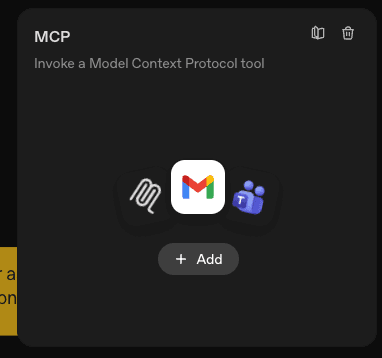
- Drag or insert an MCP node from the Tools palette (or add MCP to an agent’s tools).
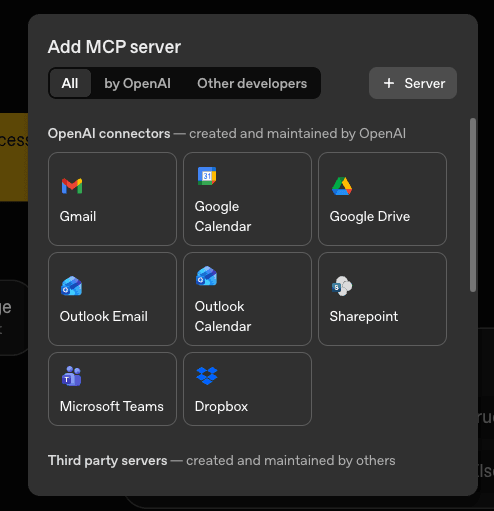
- Click MCP → + Add → + Server (under third-party servers).
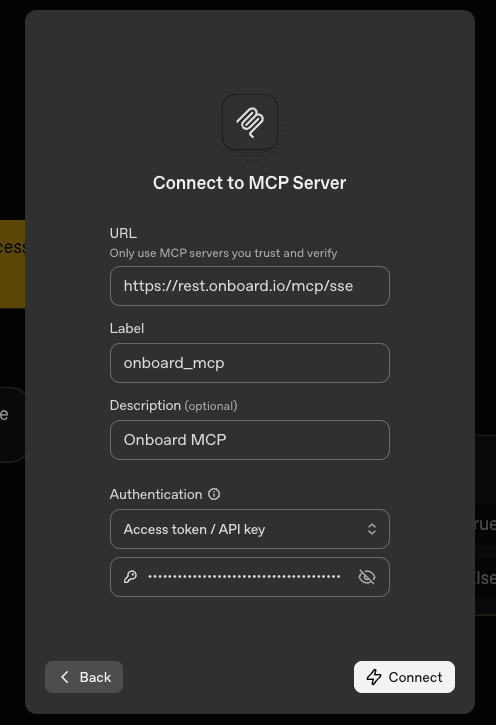
- In Connect to MCP Server, enter:
| Field | Value |
|---|---|
| URL | https://rest.onboard.io/mcp/sse (no trailing slash) |
| Label | Any stable id (for example onboard_mcp) |
| Description | Optional (for example Onboard MCP) |
| Authentication | Access token / API key |
| Token | Your Onboard API key from Integrations → API |
- Click Connect. Agent Builder should list Onboard tools after the server connects.
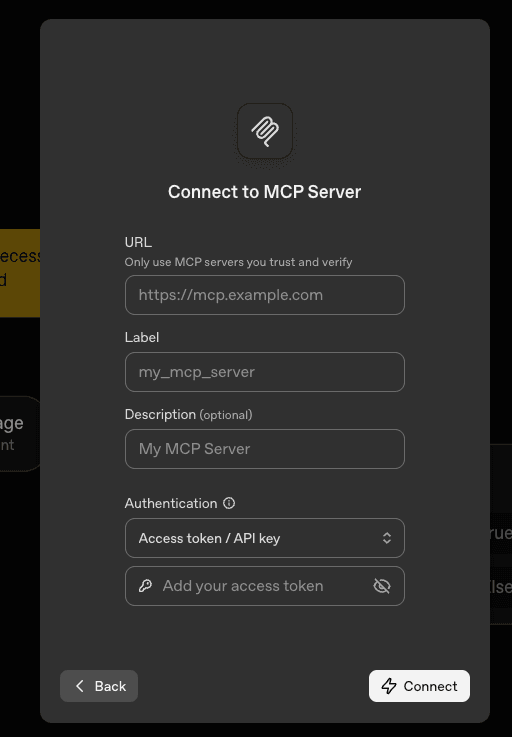
Production example with Onboard’s hosted SSE URL and API key auth:
Use MCP in a workflow
After the server is connected, configure the MCP node:
- Tool — pick the Onboard tool to invoke (for example
search_customers,list_active_projects, orpost_comment). - Require approval — set to Always for write actions or sensitive reads until you trust the workflow in production.
Intent-first workflow tools are usually easier for agents than raw [API] tools.
Start with tools that match your use case; use browse_full_api and
read_api_request or write_api_request only when you need an endpoint not
wrapped as a workflow tool. Explain the endpoint before any raw write.
Example workflow with an MCP node wired to Onboard:
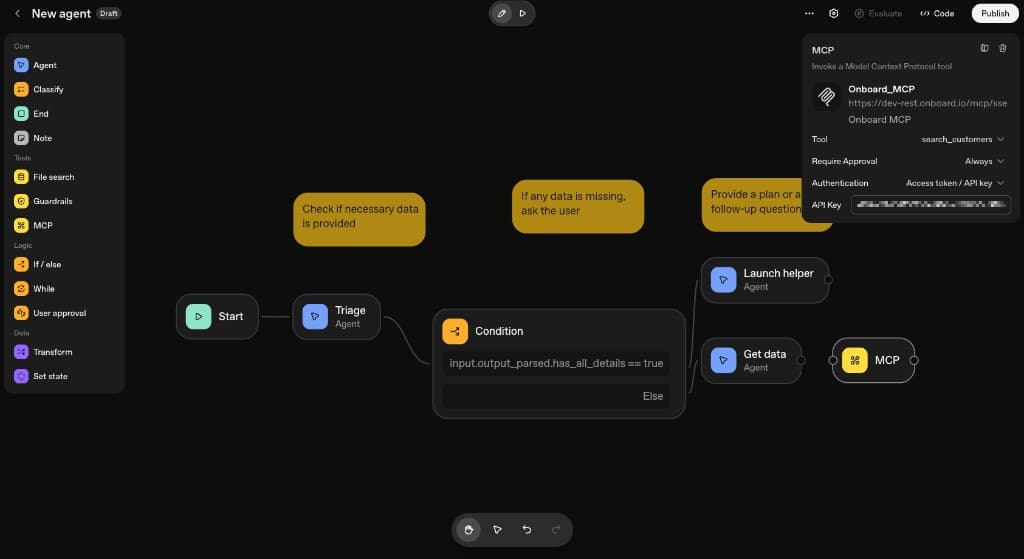
See MCP setup for the full endpoint list.
OpenAI documentation
Agent Builder’s MCP node and connector options are described in OpenAI’s Node reference — MCP and MCP and Connectors guides.
Related
- MCP setup — base URL, /mcp paths, authentication
- Security checklist
- MCP desktop clients
- Connecting to Onboard MCP — API key vs OAuth
How is this guide?